

New app
Internship Evidence
Simple record-keeping for students' hospital practice shifts — a signed PDF for the student and a summary overview for the supervisor. Right in the browser, with no sign-up and no data sent anywhere.
What the app offers
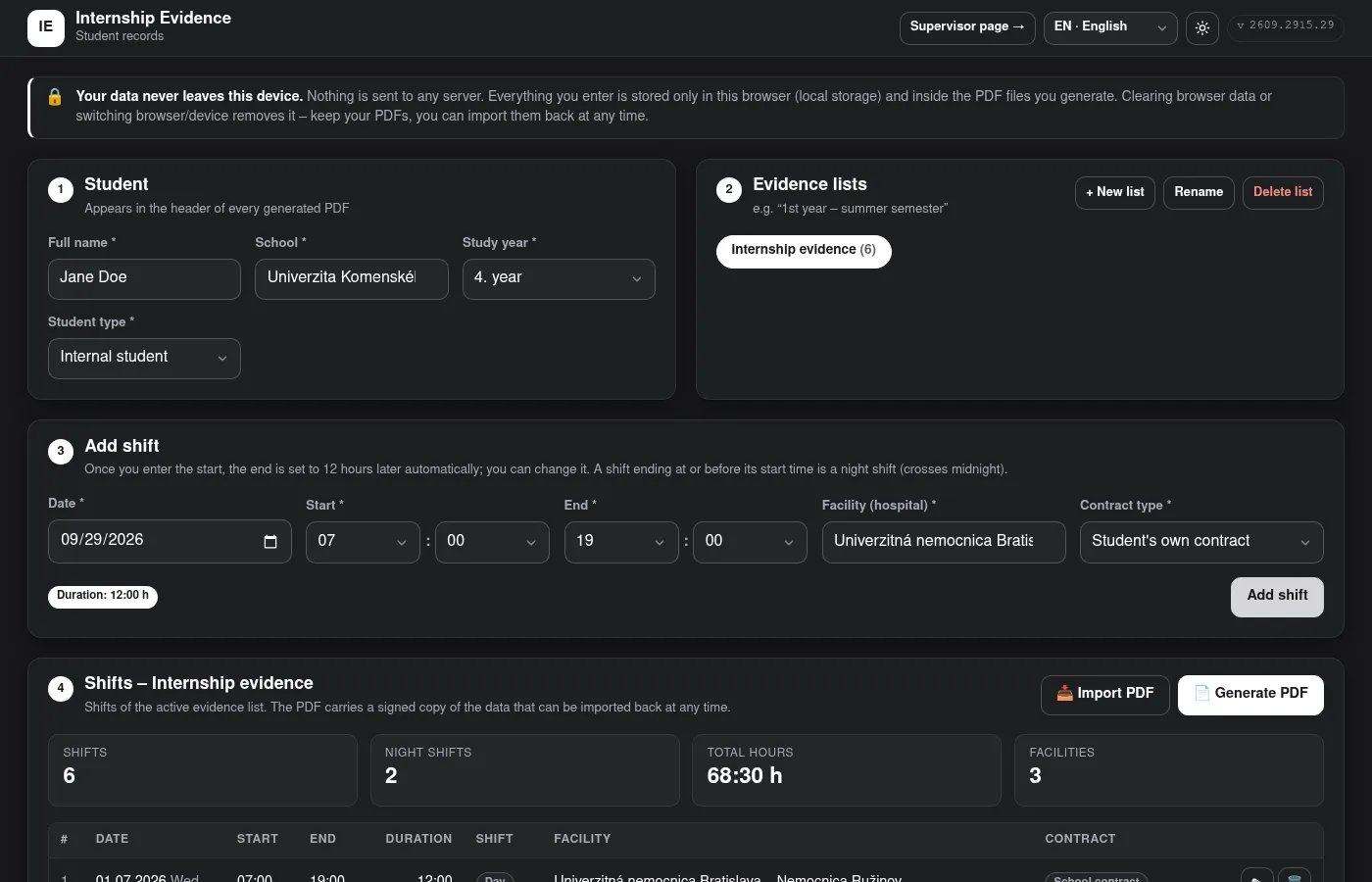
Quick shift entry
Date, start and end, facility and contract type. Picking the start sets a 12-hour shift; night shifts crossing midnight are recognised automatically.
Overlap checks
Duplicate and overlapping shifts are refused — across all of the student's evidence lists.
Several evidence lists
Separate lists, e.g. per study year or semester, each with its own shifts and summaries.
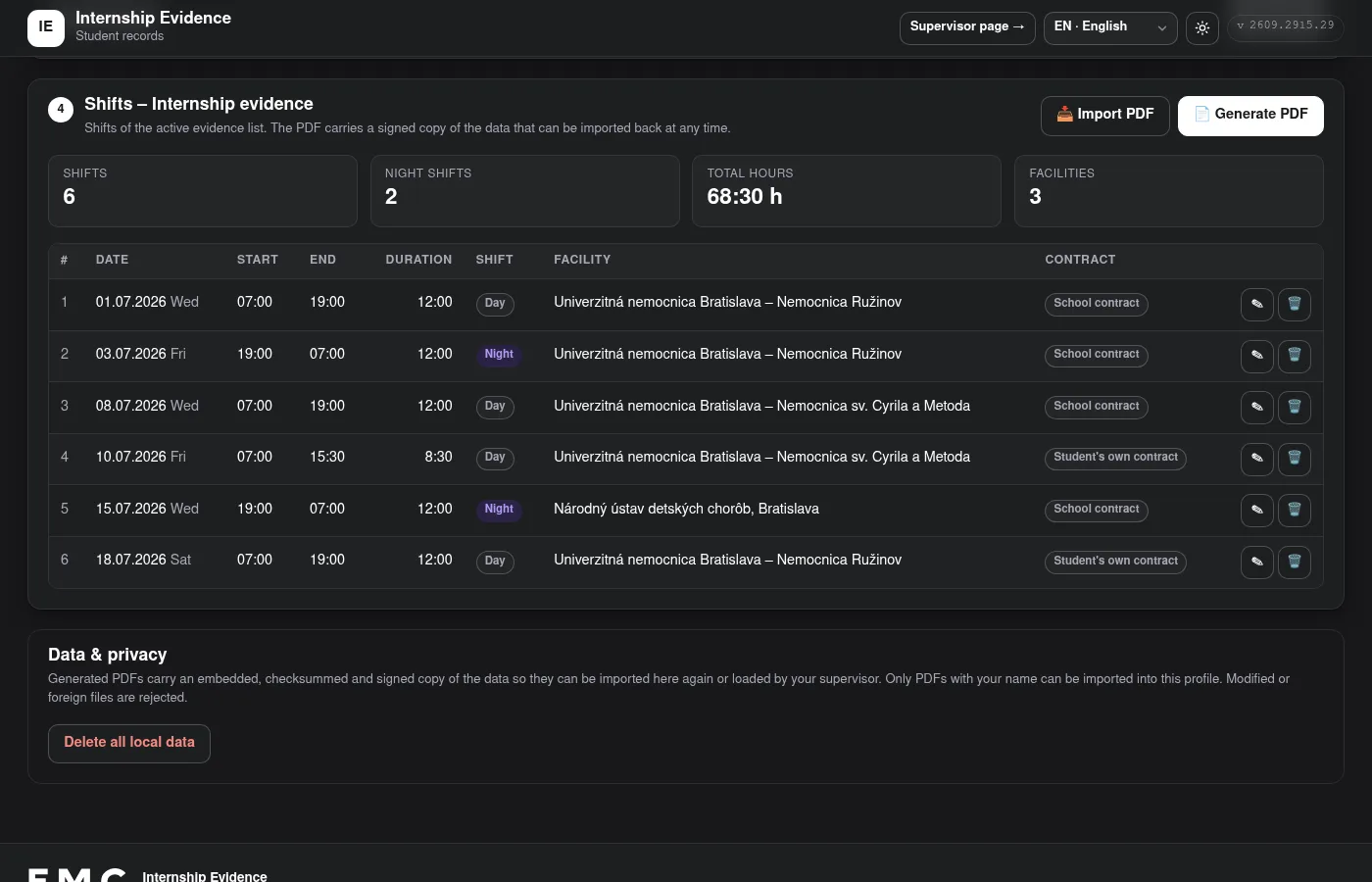
Signed PDF
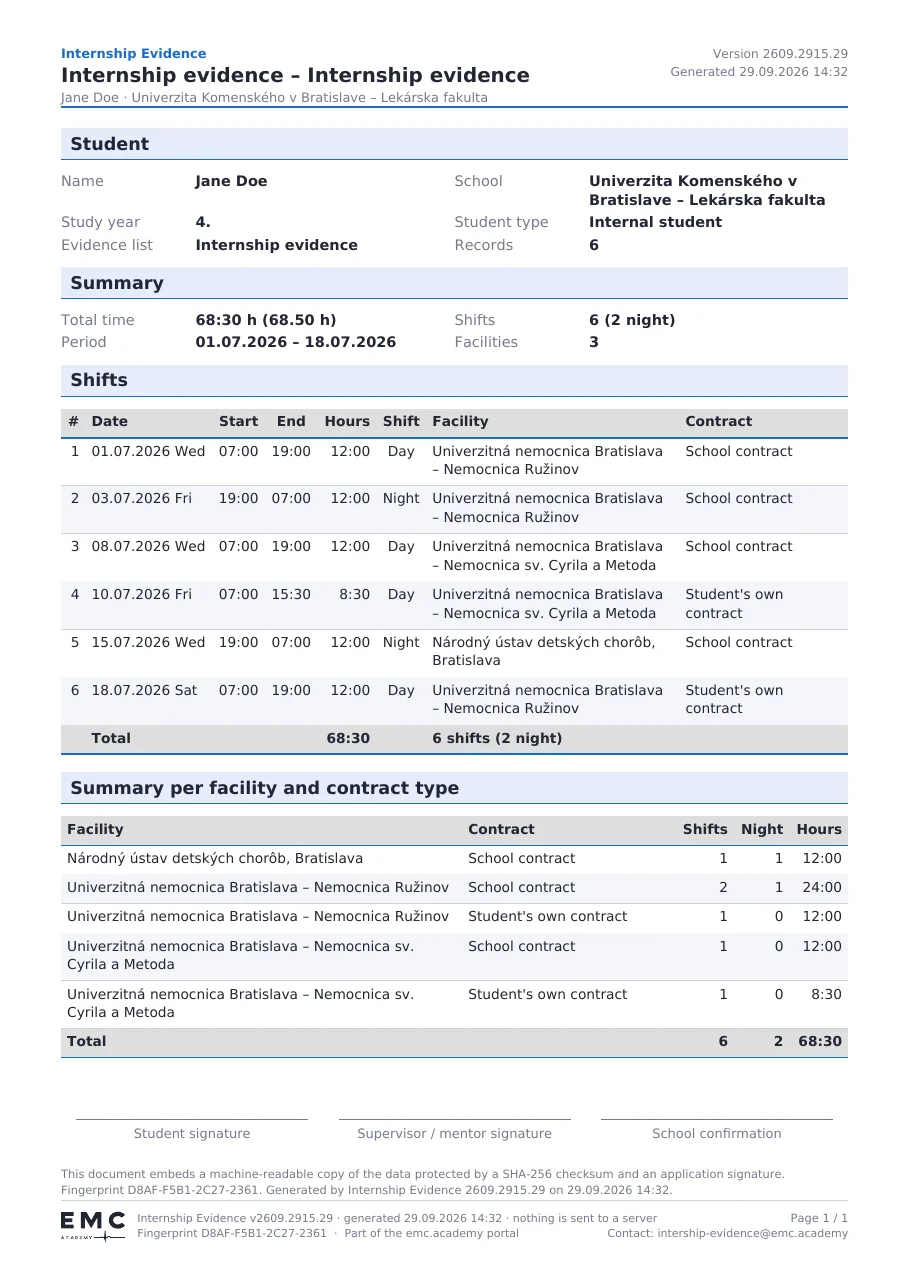
A PDF with the shift table, per-facility summary, signature lines and a fingerprint. It carries a signed copy of the data that can be imported back at any time.
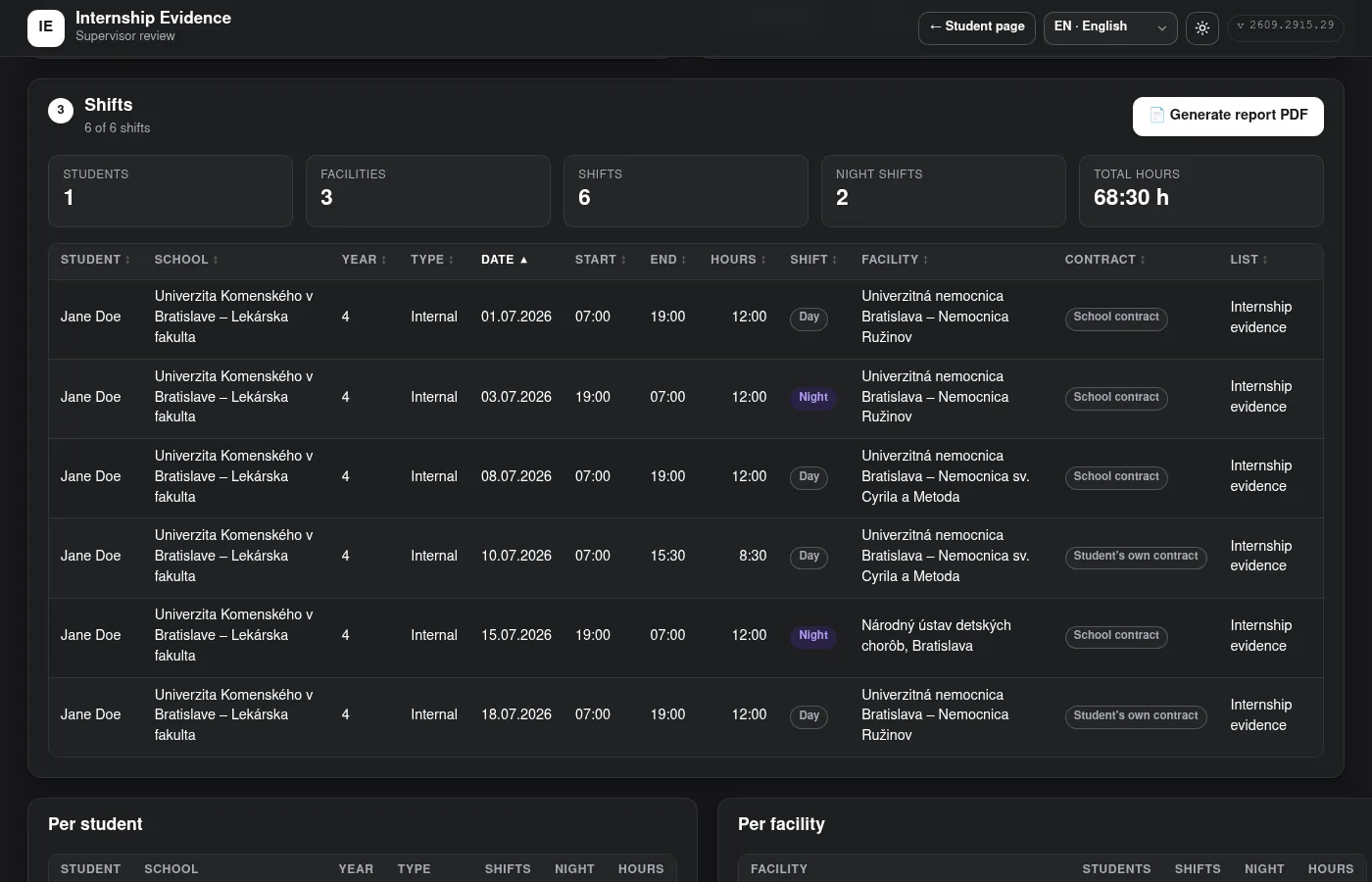
Supervisor overview
Loads any number of student PDFs, verifies them, lets you filter and sort, and generates a summary report PDF.
Slovak and English
Interface and PDFs in Slovak or English, light and dark theme. Supervisors process PDFs in either language.
Screenshots
How it works
1. Student
Fills in the profile, records shifts and finally generates a PDF to sign and hand to the supervisor.
2. Supervisor
Opens or drops the students' PDFs. Every file is verified; edited or foreign files are rejected and older versions of the same list are marked as superseded.
3. Overview
Filters by student, school, year, facility, contract type, day/night shift or date range, and a summary report PDF with QR codes to the app.
Privacy and security
Your data never leaves your device. Nothing is sent to a server — data is kept only in the browser and in the PDFs you generate. Clearing browser data removes it, so keep your PDFs; you can import them again at any time.
Every PDF carries a checksum and a signature of its data, which detect corruption, edits and files produced elsewhere. As the app is fully static, this is not a defence against deliberate forgery.
Missing a facility or school? Write to intership-evidence@emc.academy.